

Password Reset Guide
Published at: 3 June, 2025
Forgot your password? Don't worry. This guide will help you regain account access quickly and securely.
Step 1: Access Vietzone
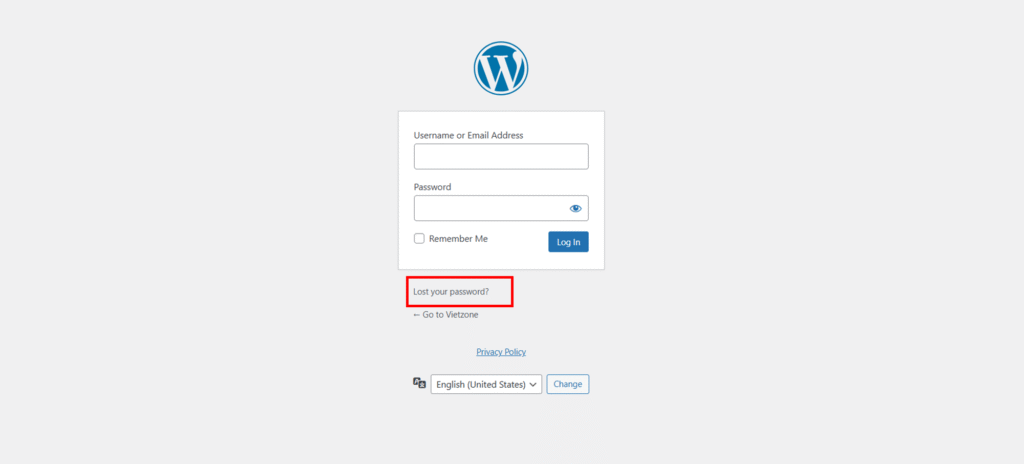
Step 2: Click "Forgot Password"
Step 3: Enter your username or the email address used to create your account.
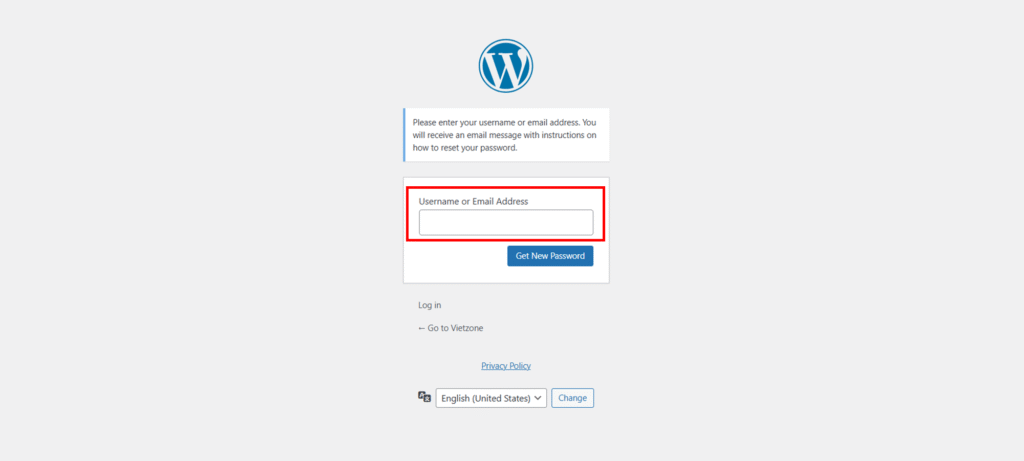
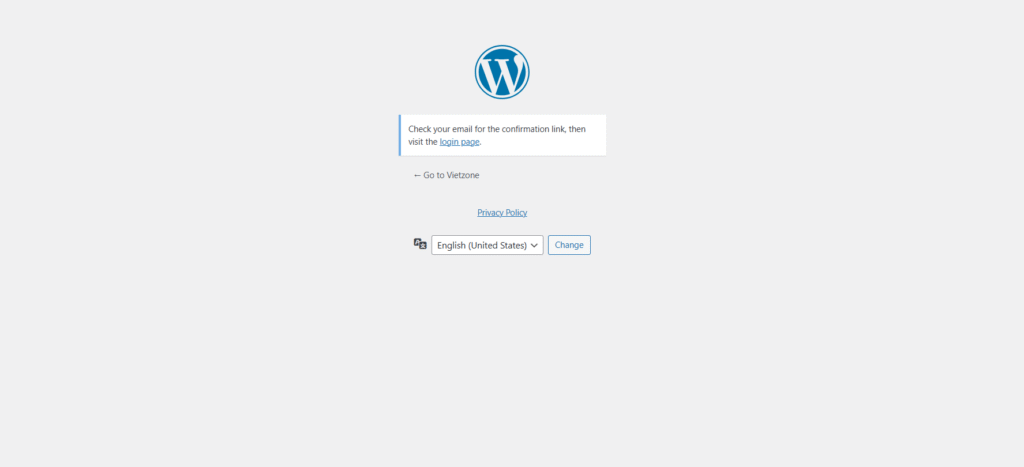
Step 4: Click "Get New Password" and you'll receive a password reset notification via email (If you don't see the email in your inbox, please check your spam folder).
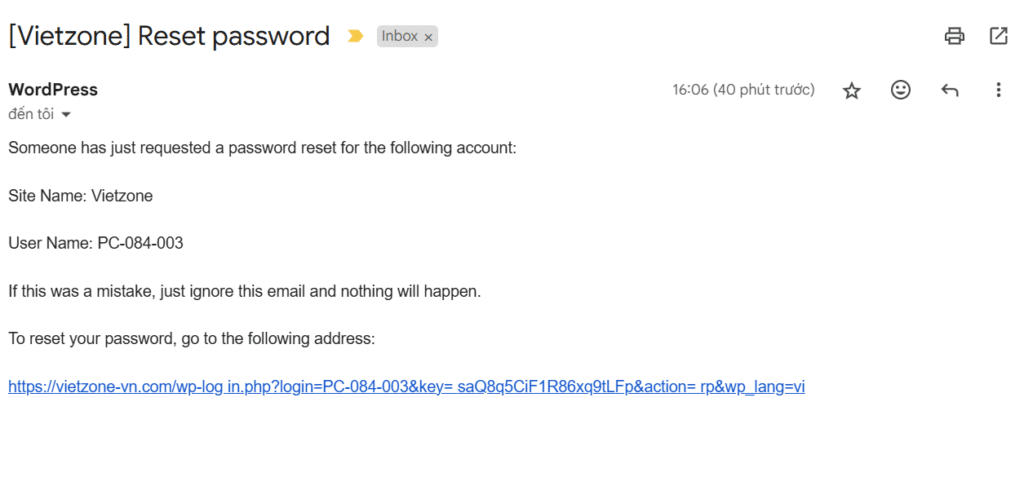
Step 5: Click on the link in the email.
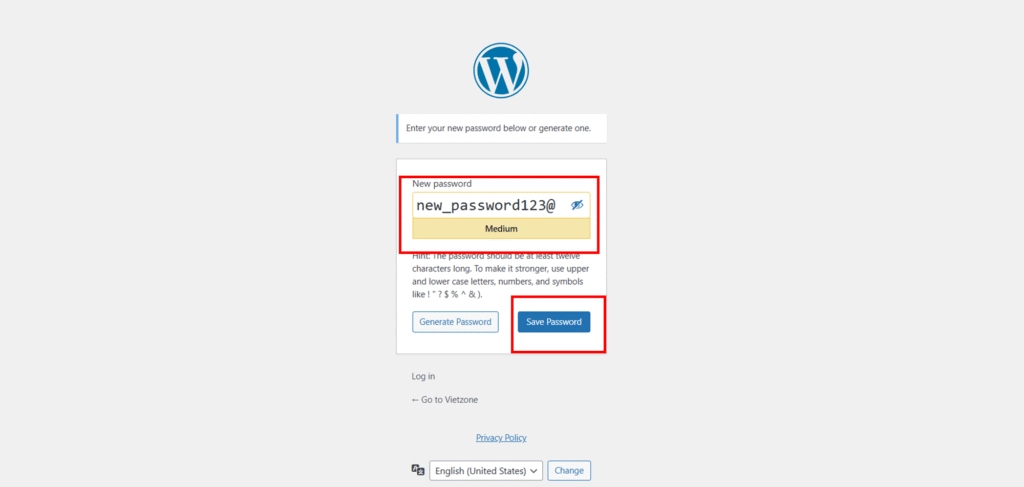
Step 6: Set up your new password and click save password. You have successfully reset your password.
⚠️Note: Never share your password with anyone to ensure the security of your account.